
Optimizing print accuracy begins with a technical evaluation of your output using standardized printer test pages. By analyzing CMYK profiles, you can ensure your hardware accurately reproduces the intended color gamut across various substrates. This diagnostic process focuses on balancing ink density and controlling dot gain to maintain sharp image clarity. Through precise linearization and the application of custom ICC profiles, you can significantly reduce delta-E variance, ensuring color consistency. Monitoring the total ink limit prevents saturation issues, while regular calibration guarantees that your digital assets translate into high-fidelity physical prints with professional-grade precision and reliable color management.
Understanding CMYK Color Basics
The CMYK color model is the backbone of the professional printing industry, utilizing a subtractive color synthesis process. Unlike digital screens that emit light, print surfaces reflect light; therefore, pigments must subtract specific wavelengths to produce visible colors. The acronym represents Cyan, Magenta, Yellow, and Key (Black). The "Key" designation for black originates from the traditional printing press era, where the "key plate" was used to align the other three primary colors and provide depth and contrast to the final image.
When testing a printer's CMYK profile, technical experts examine how these four inks interact through halftoning. This involves creating various dot patterns of different sizes and frequencies to simulate a continuous tone. Successful color reproduction relies on the precision of these microscopic dots and the chemical properties of the ink. Key technical factors include:
- Subtractive Primaries: The fundamental dyes or pigments used to filter out red, green, and blue light.
- Rosette Patterns: The specific angles at which CMYK dots are printed to prevent visual interference.
- Screen Ruling: The density of the halftone dots, measured in lines per inch (LPI).
Standard Industry Profiles Explained
Consistency across different printing presses and paper types is maintained through standardized industry profiles. These profiles serve as sets of instructions that tell the printer how to interpret color data based on specific substrates. Without these standards, a file printed on a high-gloss sheet would look drastically different from the same file printed on newsprint. Standard profiles account for variables like dot gain, which is the tendency of ink to spread as it is absorbed into the paper fibers.
The most common profiles used in modern workflows include:
| Profile Name | Primary Application | Paper Type |
|---|---|---|
| GRACoL | High-quality commercial printing | Premium Coated |
| SWOP | Web offset publication printing | Standard Magazine Stock |
| FOGRA | European prepress standards | Coated and Uncoated |
| ISO Uncoated | General office or stationary use | Non-treated Paper |
Selecting the correct profile ensures that the printer does not exceed the Total Area Coverage (TAC) limit, which prevents the paper from becoming over-saturated or wrinkled during the drying process.
Differences Between RGB and CMYK
The transition from a digital monitor to a physical print requires a fundamental shift in color logic. RGB (Red, Green, Blue) is an additive model used for electronic displays, where light is added together to reach white. In contrast, CMYK is a subtractive model where pigments are layered to reach black. Because the RGB gamut is significantly larger than the CMYK gamut, many vibrant neon and highly saturated colors seen on a screen simply cannot be reproduced with standard ink sets.
When a printer test page is generated, it often reveals "out-of-gamut" warnings. These occur when a digital color falls outside the reach of the CMYK color space. Understanding these differences is vital for prepress technicians:
- Luminosity: RGB colors possess inherent brightness from the backlight, while CMYK relies on ambient light reflection.
- Color Mixing: RGB starts with a black base (no light), whereas CMYK starts with a white base (paper).
- Compression: Converting RGB to CMYK results in data compression, often dulling vibrant blues and greens.
Calibrating Printers for Color Accuracy
Calibration is the process of adjusting a printer's output to match a known reference standard. This is achieved by printing a series of color patches and measuring them with a spectrophotometer. This device analyzes the spectral reflectance of each patch to ensure the printer is firing the correct volume of ink for every CMYK value. A critical part of calibration is linearization, which ensures that a 50% ink request actually results in a 50% tint on the page.
Environmental factors frequently necessitate recalibration. Changes in humidity can alter paper absorption rates, while temperature fluctuations can change ink viscosity. To maintain peak accuracy, testing pages should be run daily. Technicians look for the Delta E (ÎE) value, which represents the mathematical difference between the intended color and the printed color. A ÎE of less than 1.0 is generally considered imperceptible to the human eye, while a value over 3.0 indicates a need for immediate maintenance or profile adjustment.
Optimizing Ink Coverage for Quality
Total Area Coverage (TAC), also known as Total Ink Limit, is a technical measurement of the combined percentages of Cyan, Magenta, Yellow, and Black in the darkest parts of an image. In theory, a 100% saturation of all four inks equals 400% coverage. However, most paper stocks cannot handle this much moisture without the ink smearing, bleeding through the page, or failing to dry properly. Optimized CMYK profiles typically limit TAC to between 220% and 340% depending on the substrate.
Optimizing ink coverage involves several sophisticated color management techniques:
- UCR (Under Color Removal): Replacing CMY components in neutral shadow areas with Black ink to reduce total volume.
- GCR (Gray Component Replacement): Replacing the graying component of a color with Black throughout the entire range, which stabilizes color balance.
- Ink Trapping: Ensuring that subsequent layers of ink adhere correctly to the previously printed wet or dry layers.
Achieving Pure Black in Print
In the world of CMYK profiles, not all blacks are created equal. "Standard Black" uses only 100% Key (K) ink. While this is ideal for crisp text, it often appears as a dark charcoal gray rather than a deep, velvet black when used in large solids. To achieve a deeper, more saturated look, printers use "Rich Black." This involves backing the Black ink with percentages of Cyan, Magenta, and Yellow to increase optical density and create a more "neutral" or "cool" appearance.
The specific recipe for Rich Black varies by printer and profile, but a common standard is 60% Cyan, 40% Magenta, 40% Yellow, and 100% Black. However, using too much ink can lead to registration issues, where the colors don't align perfectly, leaving a "halo" of color around the edges of black objects. Testing pages evaluate the "neutrality" of black by checking for unwanted color casts. If a black patch looks too red, the Magenta levels in the profile need adjustment. Achieving a perfect neutral black is the ultimate test of a printer's calibration.
Color Gamut Limitations and Solutions
The color gamut is the entire range of colors that a specific device can produce. For CMYK printers, the gamut is inherently limited compared to the human eye and digital sensors. High-end printer testing pages often include "gamut maps" to visualize these boundaries. When a specific brand color, like a bright orange or a deep purple, falls outside the CMYK gamut, it is considered "out-of-gamut." To solve this, printers use various rendering intents to decide how to handle these unachievable colors.
Common solutions for gamut limitations include:
- Perceptual Rendering: Scales all colors proportionally to maintain the visual relationship between them, preserving the overall "feel" of the image.
- Relative Colorimetric: Maps out-of-gamut colors to the closest available color on the gamut boundary, while keeping in-gamut colors unchanged.
- Extended Gamut Printing: Adding Orange, Green, or Violet inks (OGV) to the standard CMYK set to broaden the reachable color space.
Matching Screen Colors to Output
The "What You See Is What You Get" (WYSIWYG) ideal is difficult to achieve in print without rigorous soft proofing. Soft proofing is the process of using a calibrated monitor to simulate how a CMYK profile will look on a specific paper stock. This requires the monitor to be set to a specific brightness (typically 80-120 cd/m²) and a specific white point (usually D50 or D65) to match the viewing conditions of the physical print booth.
To ensure a match, the following steps are usually taken:
- Monitor Profiling: Using a colorimeter to create a hardware-level profile for the display.
- Simulating Paper White: Adjusting the software to mimic the slight yellow or blue tint of the actual paper being used.
- Ambient Light Control: Viewing the printed test page under a standardized D50 light source to prevent metamerism-a phenomenon where colors look different under different light bulbs.
Role of ICC Profiles in Printing
An ICC (International Color Consortium) profile is a standardized data file that describes the color characteristics of a specific device. In the printing workflow, ICC profiles act as the "translator" between the source (the digital file) and the destination (the printer). They use a Profile Connection Space (PCS), usually based on the CIELAB color model, to ensure that "Fire Engine Red" in a digital file is interpreted correctly by the printer's specific ink and paper combination.
There are two primary types of ICC profiles involved in the testing process:
| Profile Type | Function |
|---|---|
| Input Profile | Describes the color space of the scanner, camera, or software. |
| Output Profile | Describes the specific gamut and behavior of the printer and paper. |
Without an accurate Output ICC profile, the printer would default to generic settings, likely resulting in poor saturation and inaccurate hues. High-end printer testing allows for the creation of custom ICC profiles by printing and reading thousands of color patches to map the printer's unique behavior.
Evaluating Gradient Smoothness and Density
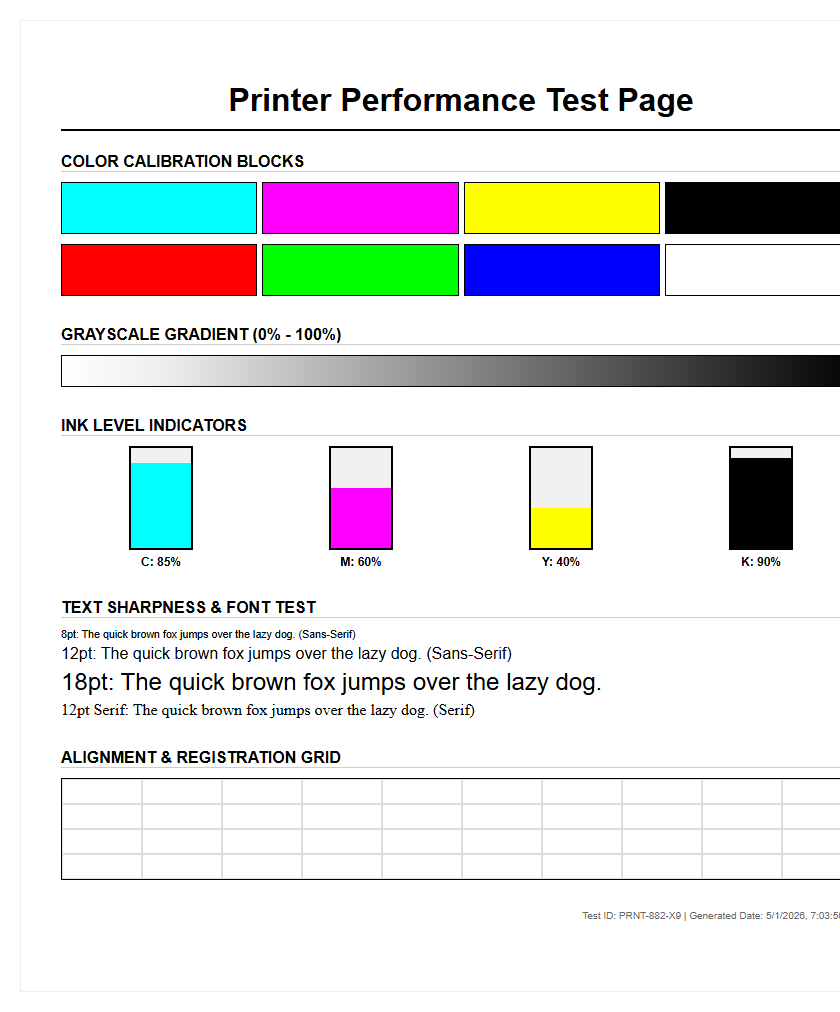
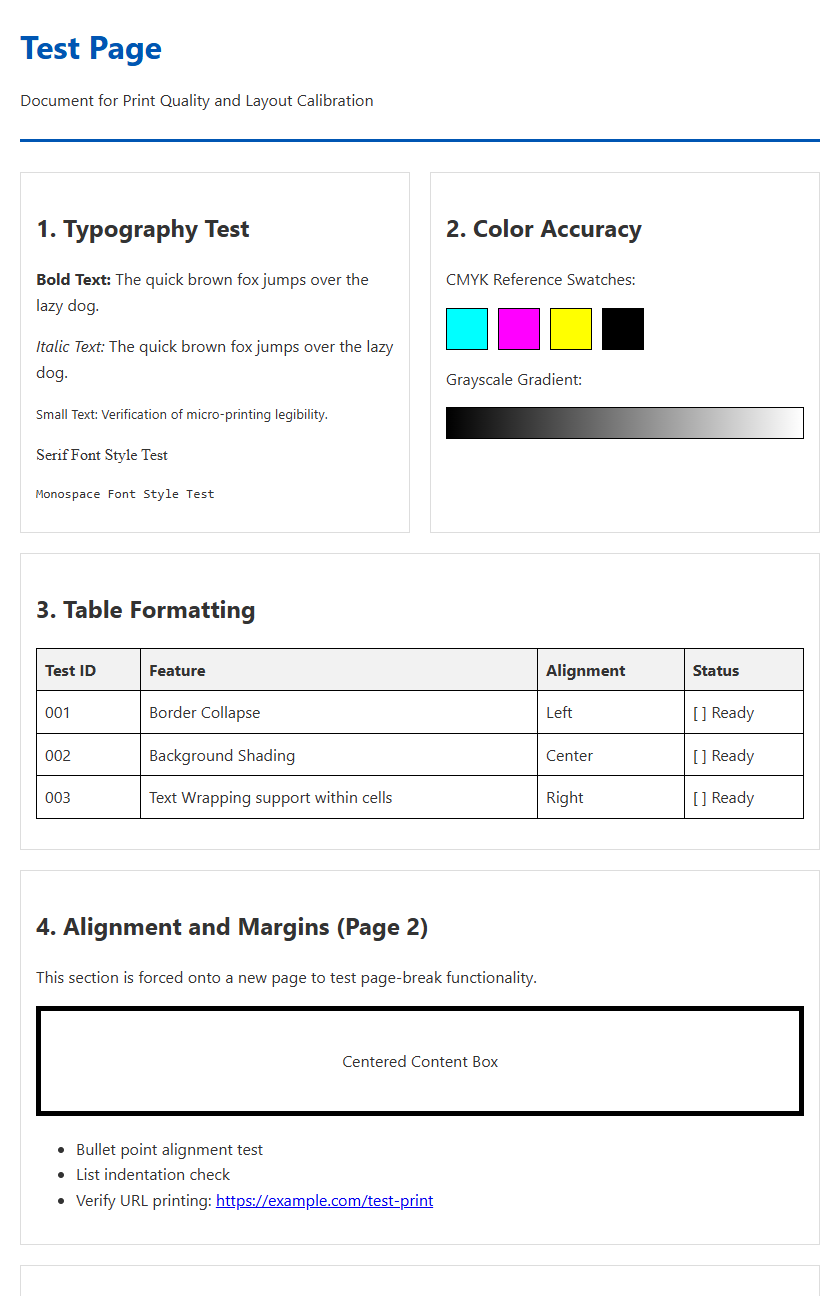
A final critical aspect of printer testing is the evaluation of gradients and solid ink density. Gradients, or "vignettes," test the printer's ability to transition smoothly from one color to another without "banding" or "posterization." Banding appears as visible stripes or steps in a color fade and usually indicates a limitation in the printer's bit depth or an issue with the screening algorithm. A high-quality CMYK profile ensures that transitions in skin tones or sky backgrounds remain fluid and natural.
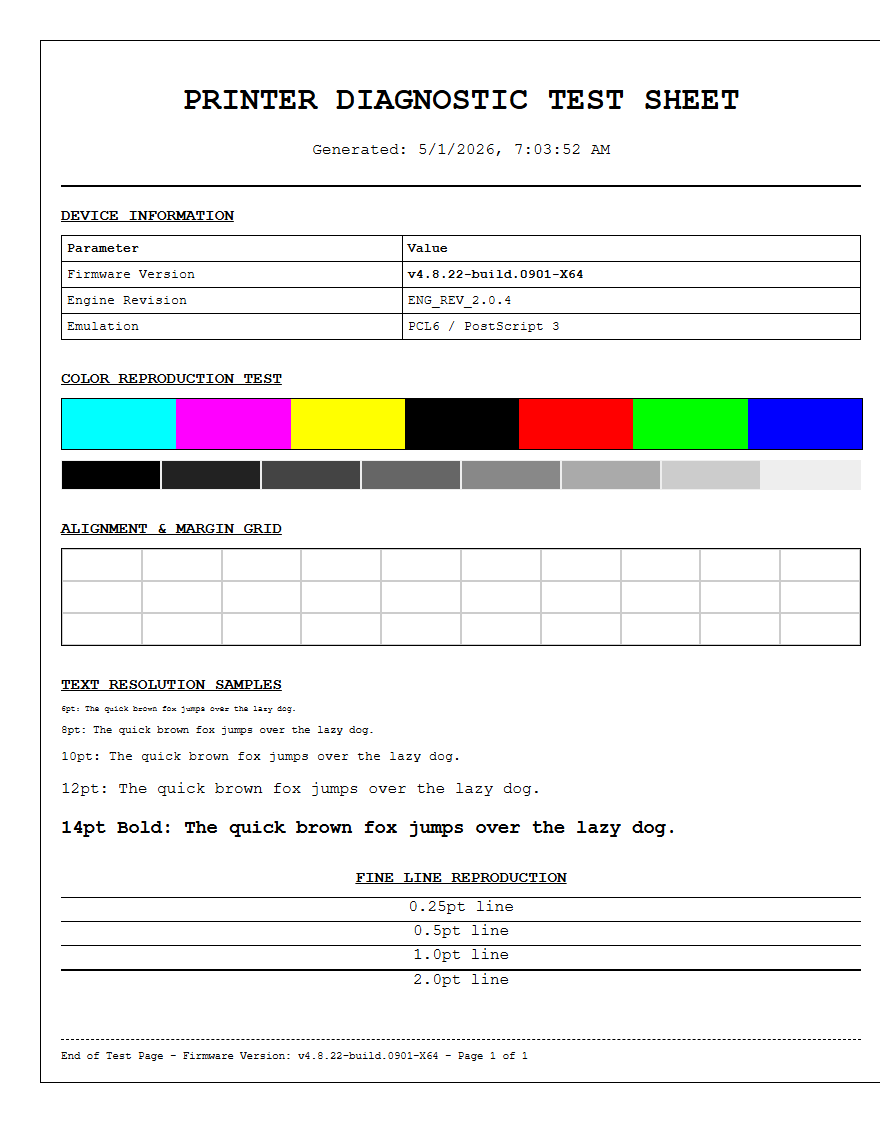
Density refers to the thickness or "strength" of the ink layer on the paper. Technicians use a densitometer to check the Solid Ink Density (SID) across the width of the page to ensure uniformity. Uneven density can lead to "mottling," where the color looks blotchy or inconsistent. By analyzing the "step wedges" on a test page-which show ink increments from 1% to 100%-professionals can verify that the printer is producing a linear and predictable output across the entire tonal range, from the lightest highlights to the deepest shadows.

Comments